
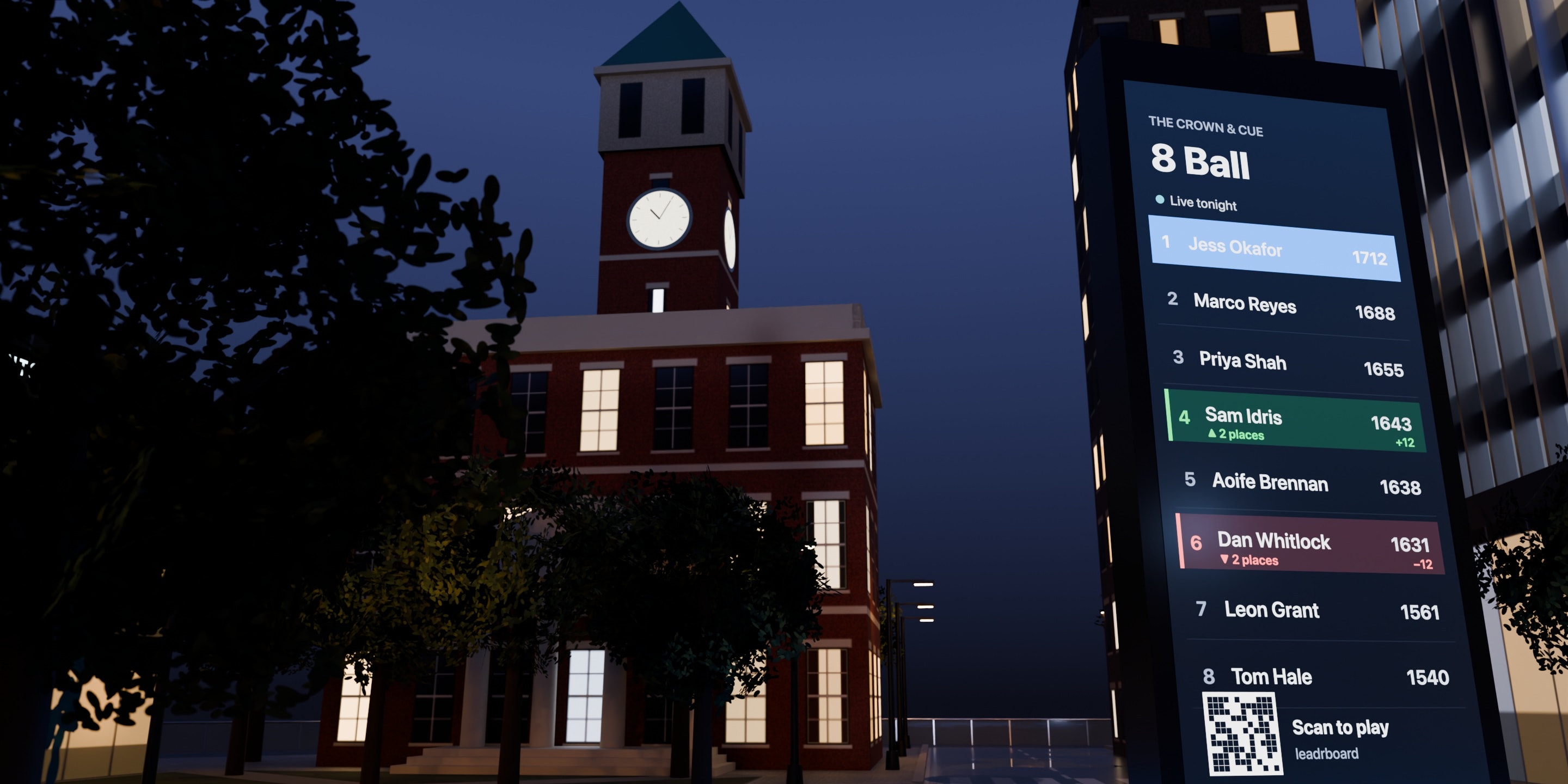
Your leaderboard, on the TV you already own.
Open one web page on the TV and type its code into your dashboard. The board, the games on now and your tournaments look after themselves.
Leadrboard®’s venue TV turns any TV with a web browser, or a streaming stick plugged into one, into a live board: your venue’s leaderboard, the games being played now and your tournaments under way, taking turns on their own and updating as results are confirmed. You set it up by typing a pairing code into your dashboard. It comes with every Venue package.
Set up in two minutes.
Nothing to install. Nothing to update.
Open the set-up page
On the TV’s browser, open leadrboard.io/display/setup.
Note the code
It shows a six-character pairing code, renewed every ten minutes.
Add the display
In your dashboard, Displays → Add Display: type the code and choose its screens.
Leave it
It updates itself as results come in. Nobody behind the bar touches it again.
What it shows.
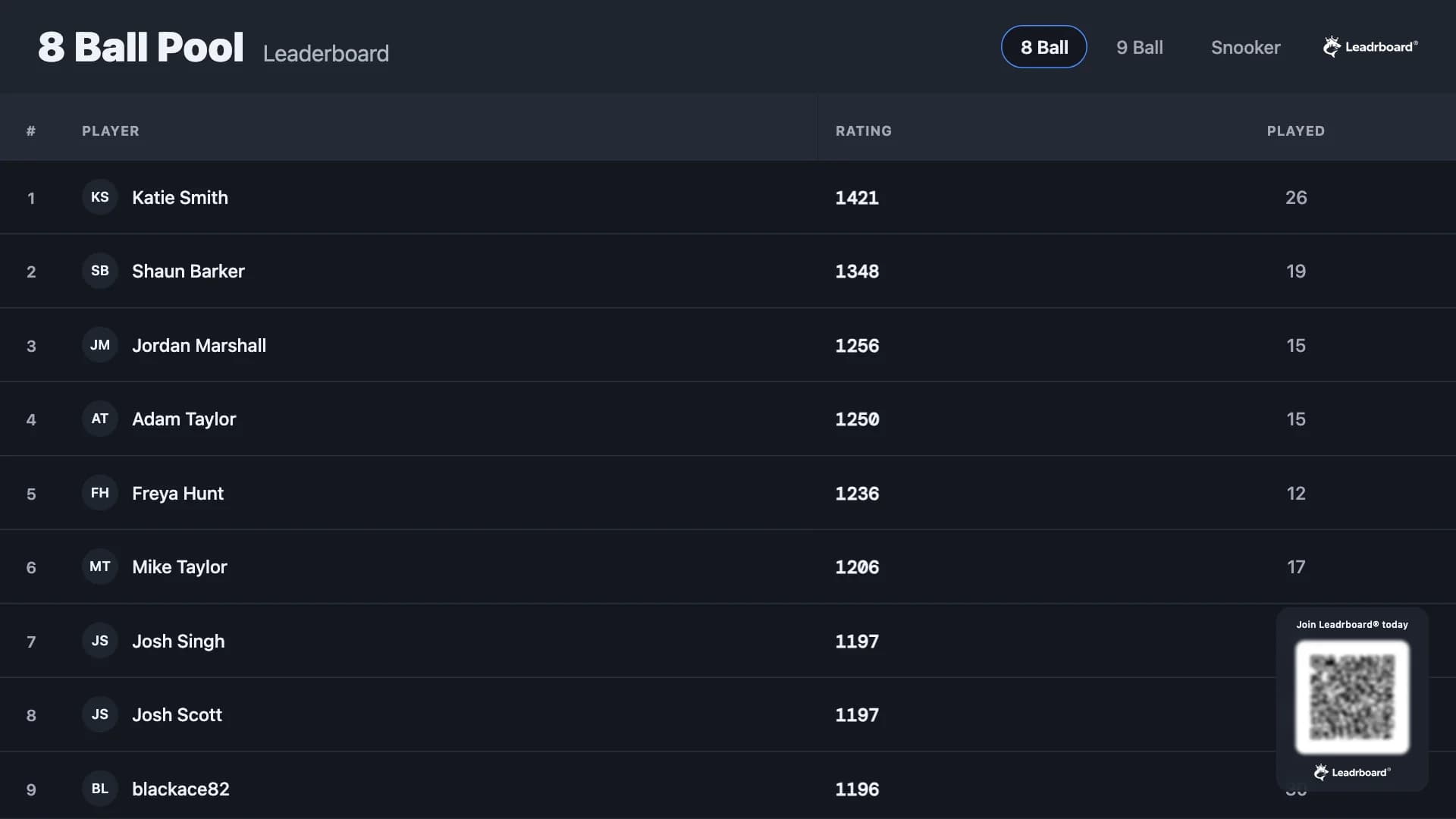
Your leaderboard
The top 20 at your venue by default, up to 50, scrolling at the speed you choose.
The games on now
Each table’s match, its players and the score. When nothing’s being played, it skips straight on.
Your tournaments
Up to six under way at once: the entrants or the table, every match, and a full-screen call when a match gets its table.
Taking turns
Up to three screens, each shown for 10 seconds to 5 minutes before the next.
As many TVs as you like
Add a display for every screen in the venue, each with its own screens.
A QR code to join
A code in the corner lets anyone in the bar sign up to play from their phone.
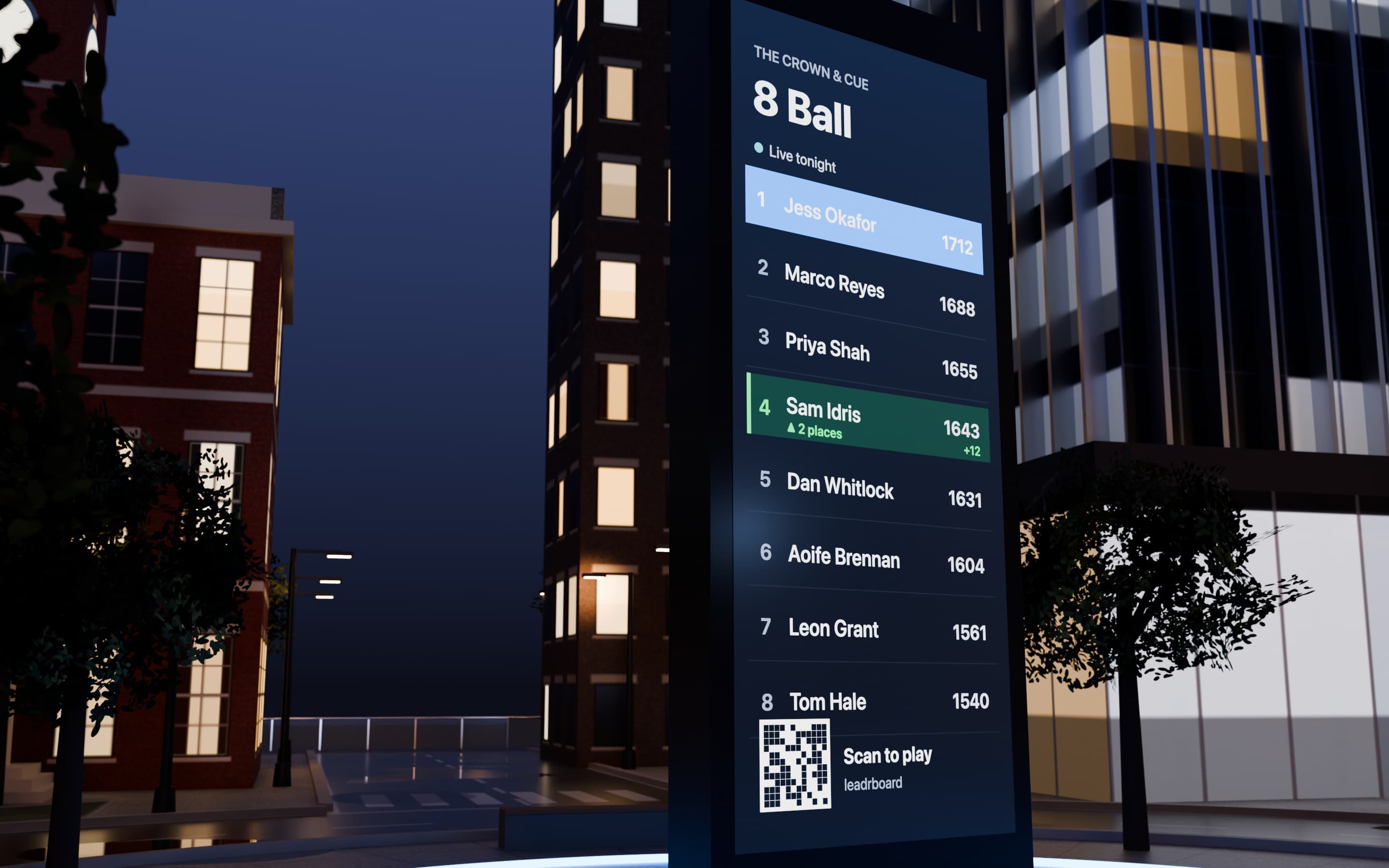
On the plaza’s board
Sam’s up two. Dan’s down two.
The moment a result is confirmed, the board moves.
For venuesTV questions.
What TV do I need?
Any TV with a web browser, or a streaming stick plugged into one. If it can open a web page, it can show your board.
How many screens can I have?
As many as you like, each with its own screens and timings.
Does anyone need to update it?
No. It updates itself the moment a result is confirmed, and a new pairing code isn’t needed again once it’s set up.
Can it show our logo?
Not yet. The board is shown in Leadrboard®’s own look.
Does it show tournaments?
Yes: every tournament under way at your venue, its matches and which table each is on.
Does it cost extra?
No. It comes with every Venue package.
Who runs it.

Put the board on your TV tonight.
Start a 30-day free trial; it takes two minutes to set up.